
Here’s what you need to get started with Tenhou.
1. Install the tenhou translator add-on for your browser (necessary)
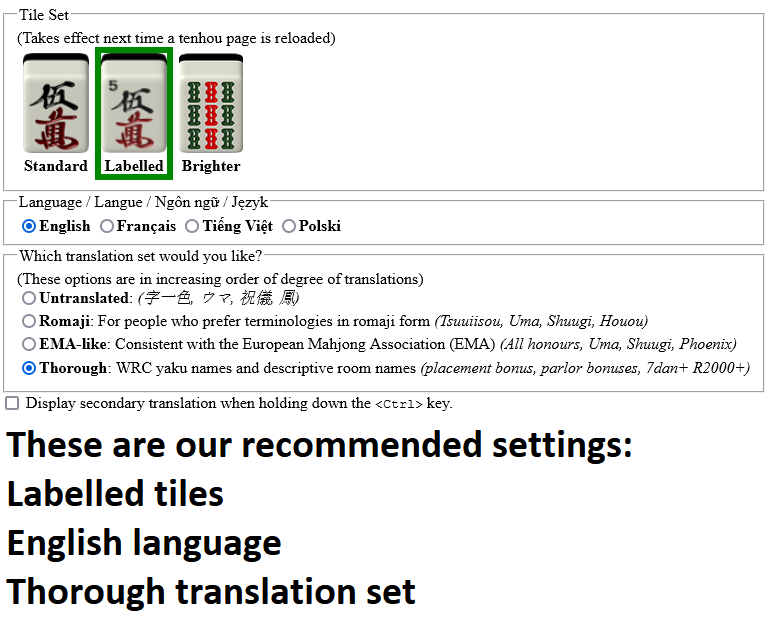
Go on, do it now. Go on, go on, go on. Chrome. Firefox. Then set your options as below:
2. Install the tenhou score-pane add-on for your browser (optional, recommended)
Get the add-on for Chrome or Firefox.
3. Create an ID on tenhou
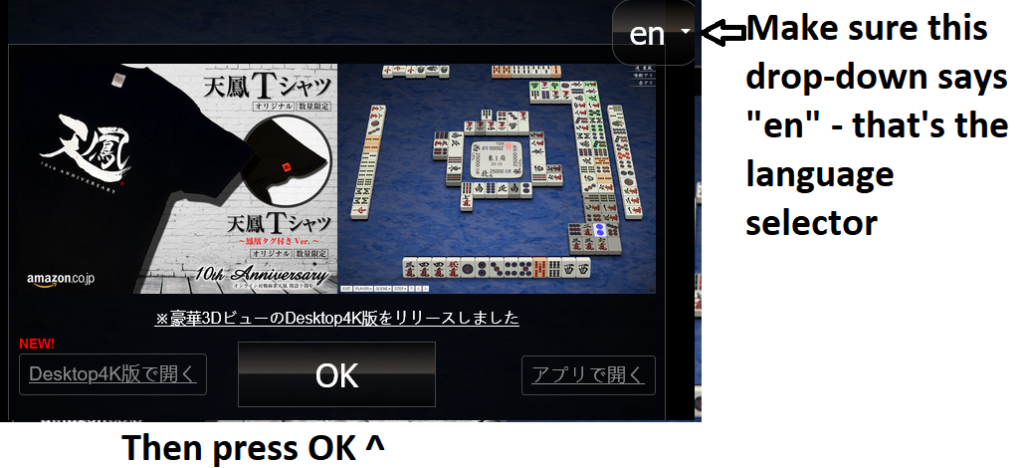
Press the big OK button, select New ID, pick your player name. You’ll then be taken to the login screen, with your new login. Copy that string somewhere safe – that’s your login ID & password combined. It will look something like this: ID049D78AE-AcJ59nNC . DON’T LOSE IT! Copy & paste it into a text file on your desktop or something.
4. Ping us on the Discord for a game!
You know where we are!
5. Play
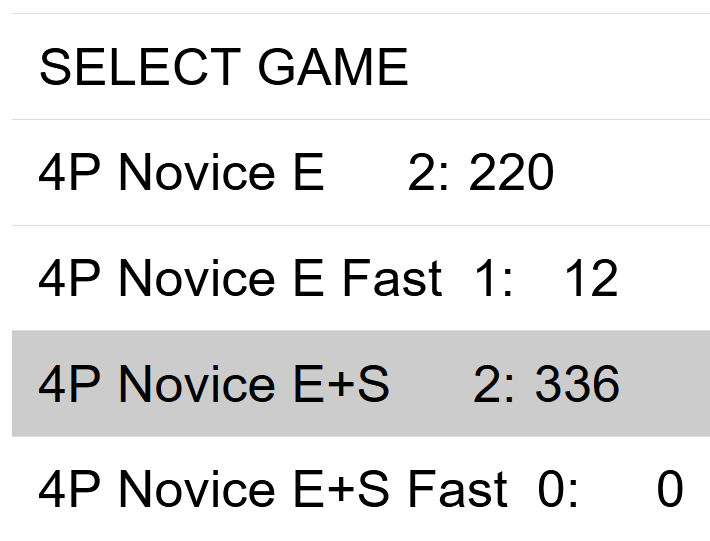
You can play on the Test screen against bots to get used to the interface. When you’re ready to play competitive games, play 4p Novice E+S.